
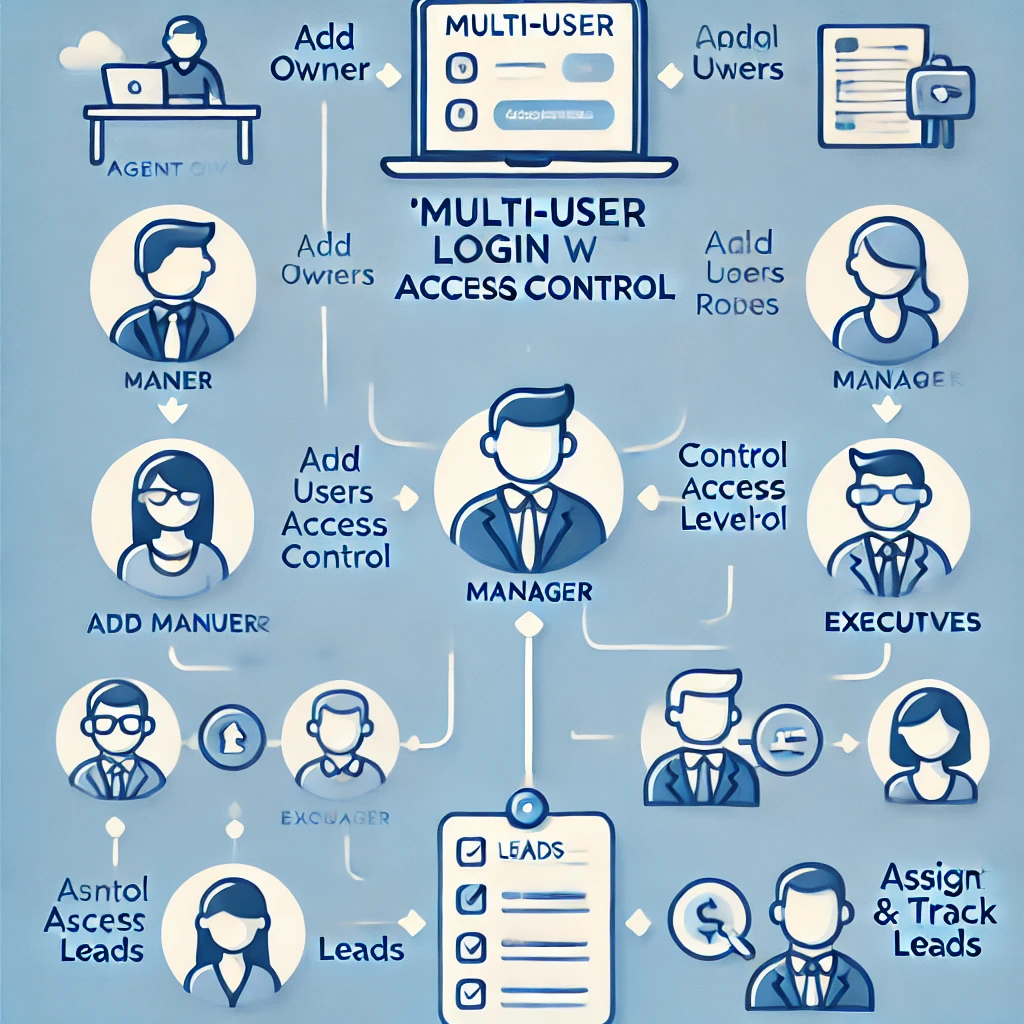
We’re excited to announce the launch of Multi-User Login with Access Control on the Tripcrafters Dashboard! This powerful new feature allows travel agencies to collaborate more effectively by enabling team members to have their own logins while ensuring proper access management.
Why Multi-User Login?
As travel businesses grow, managing leads, bookings, and payments efficiently requires seamless teamwork. With Multi-User Login, travel agents can now add team members as users with designated roles, ensuring structured operations and enhanced security within the dashboard.
How It Works
The new Manage Users section under the Account menu allows the Agent Owner to:
- Add new users (Managers and Executives) to the dashboard.
- Modify or remove user access at any time.
Managers and Executives will now have dedicated logins with access tailored to their roles, improving productivity while maintaining security.
User Roles & Access Control
To maintain efficiency and control, Multi-User Login comes with three distinct roles:
1. Agent Owner (Full Access)
- Can add, edit, or remove Managers and Executives.
- Has access to all dashboard features, including lead management, payments, and transactions.
2. Manager (Moderate Access)
- Can assign leads to anyone and track their status.
- + Everything that an executive can do
- Can manage reviews, notifications, AutoBuy settings, and tour packages.
- Cannot modify or remove users but can work on all operational tasks.
3. Executive (Limited Access)
- Can only view and manage leads assigned to them.
- Can mark leads as booked, request reviews, and file refund requests for assigned leads.
- Has no control over account settings or team management.
Notifications & Alerts
- Owners will receive an email confirmation when a new user is added.
- Executives & Managers receive when leads are assigned to them
Key Benefits
✔ Streamlined Teamwork – Assign tasks efficiently, reducing confusion and manual coordination.
✔ Enhanced Security – No need to share login credentials; every team member gets their own access.
✔ Improved Productivity – Roles ensure the right people have access to the right information.
✔ Clear Lead Management – Assign, track, and close leads effectively with better visibility.
Limited Beta Access & Upcoming Changes
This feature is currently available in beta mode, and access is being provided to select agents. If you’d like early access, please reach out to your Account Manager.
During this beta phase:
- A select group of agents will be provided access, and we will collect initial feedback to refine the feature.
- Once finalized, Multi-User Login will be enabled for all agents.
- Currently, only the Agent Owner can log in using the mobile app. This will change in the coming weeks when access is extended to all users.
How to Get Started If you have access
- Add a new user by entering their name, email, role, and credentials.
- The new user will receive email to create password, once it is set then they can start working immediately. Each new user will have create password separately to login at multi user login Features
.png)